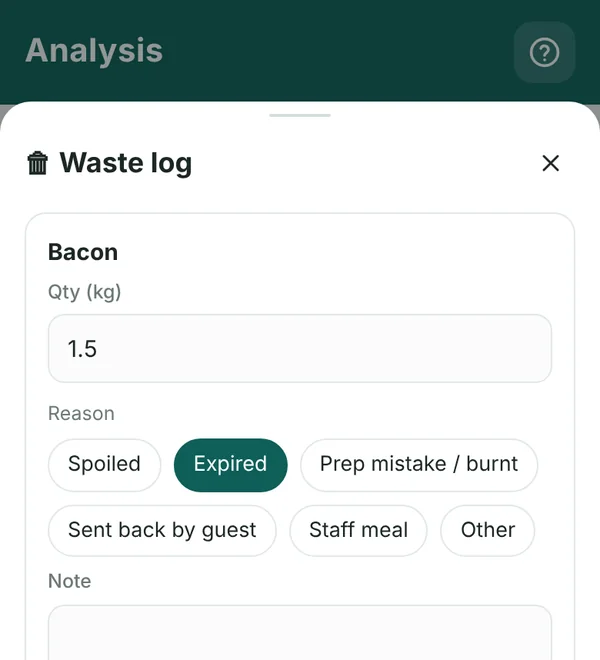
Waste log
Spoiled, expired, sent back — with the reason and the cost. Taken out of stock automatically.
Recipes, invoices, stock on hand and monthly reports in one app. Qramio keeps your food cost in check every day, so every decision is backed by numbers.
Dishes, prices, photos, calories and allergens come straight from the app. Guests scan the QR code on the table and read the menu in their own language. Change a price in the app and the menu updates instantly.
Costs and recipes are never shown to guests.
Go to qramio.menuMenu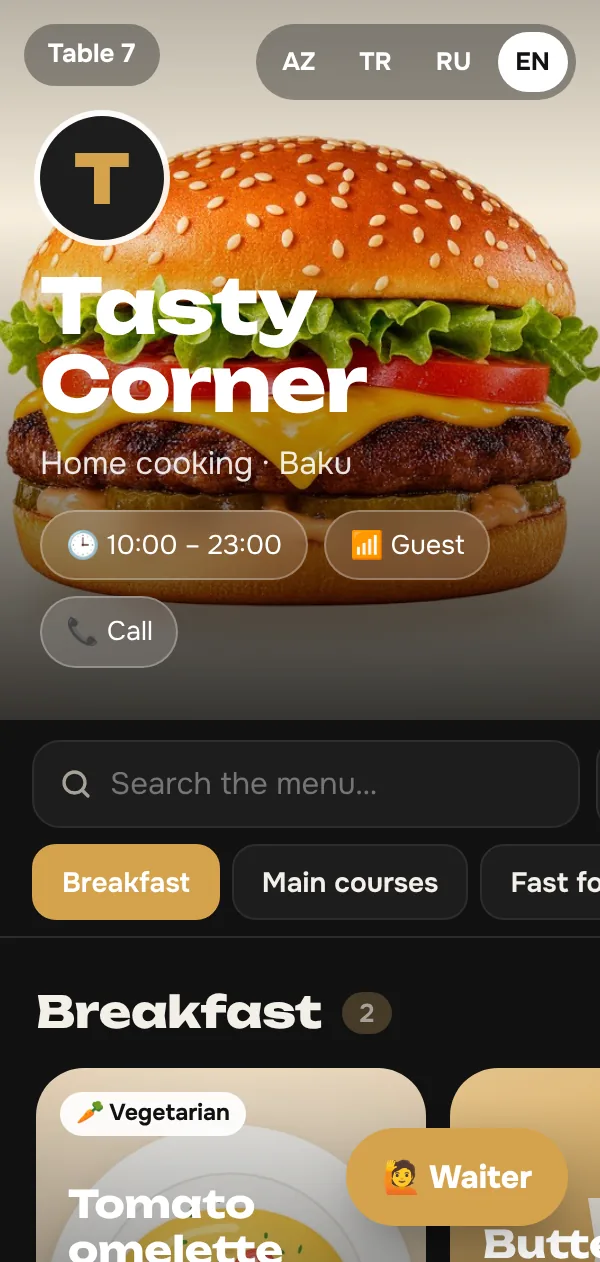
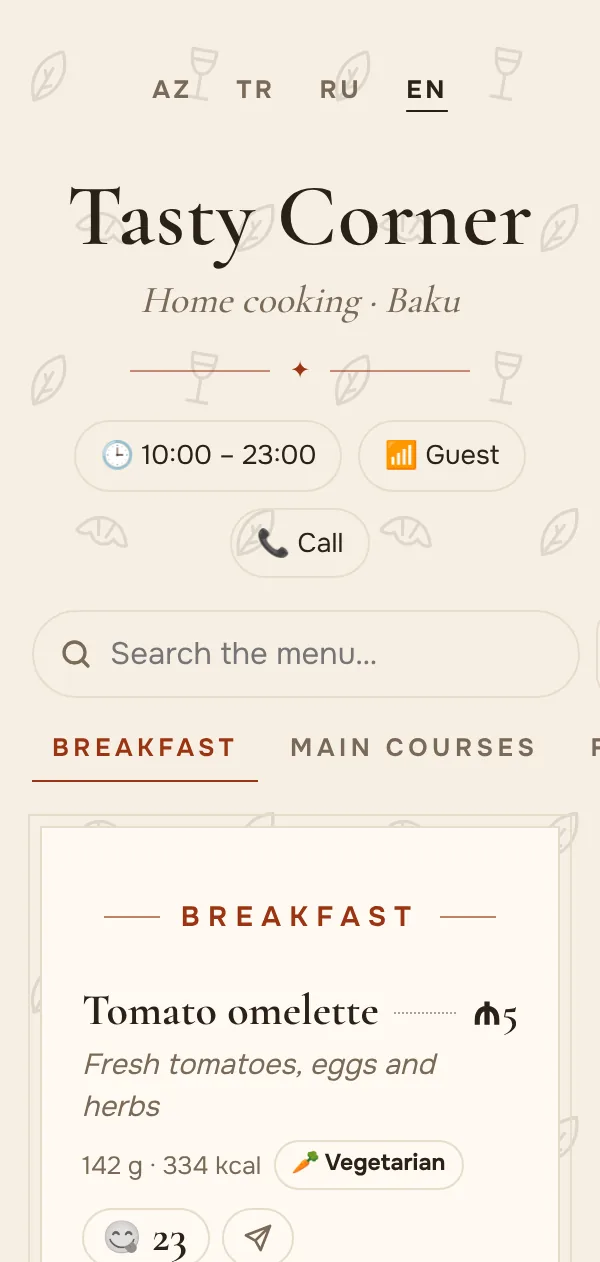
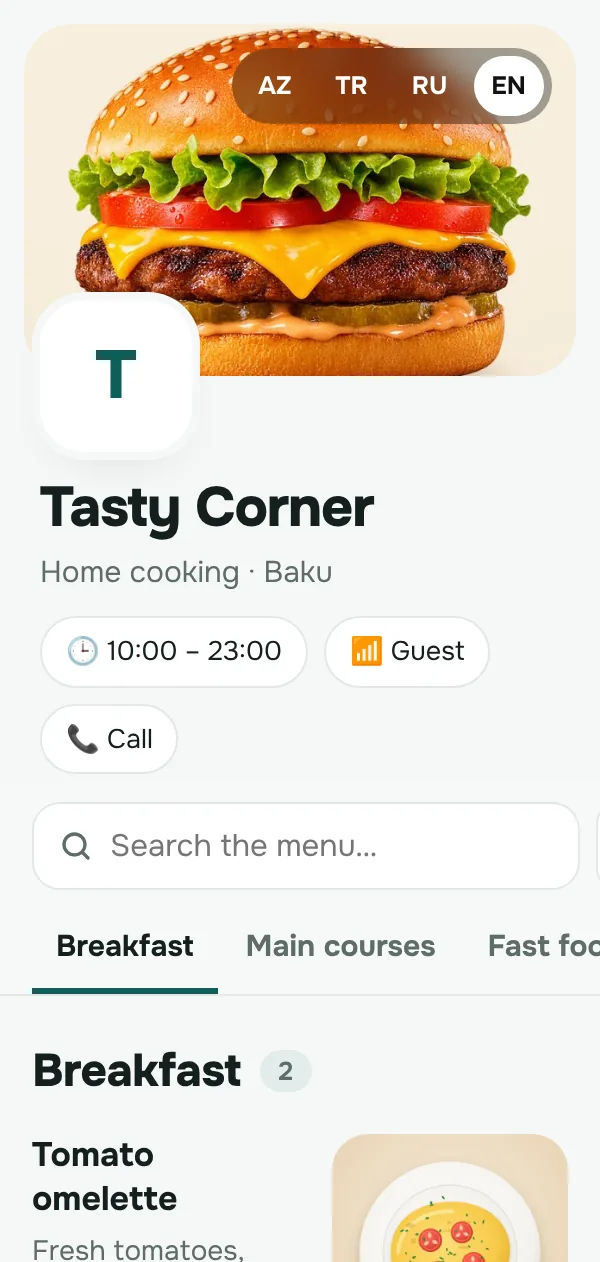
Real screens with the demo menu built into the app.
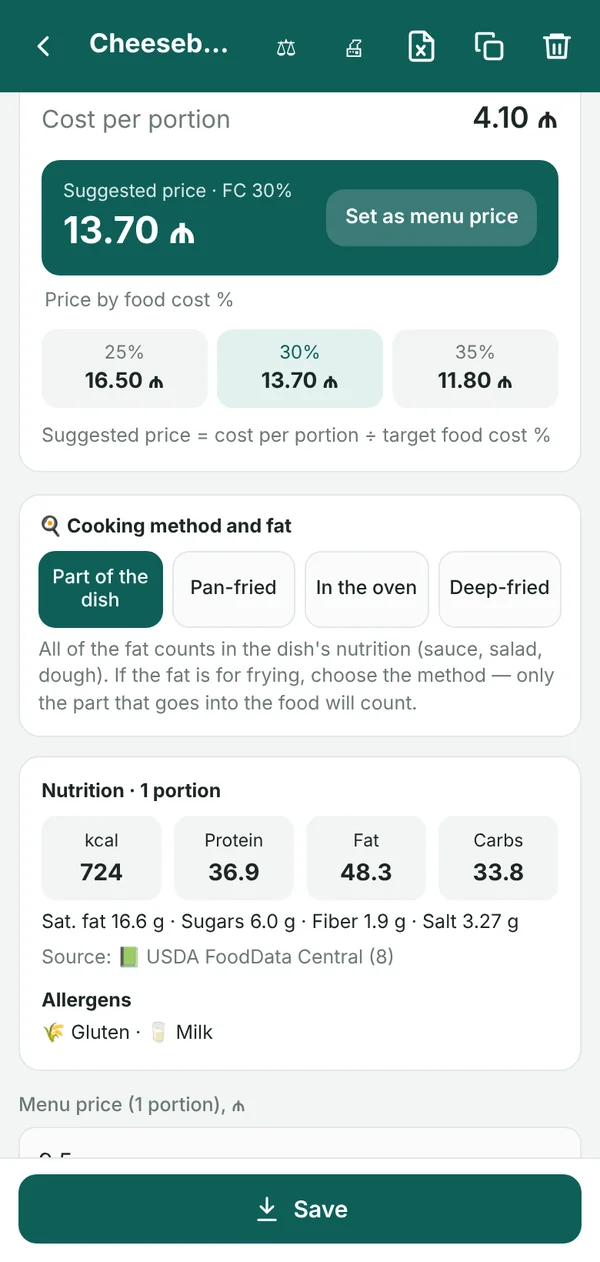
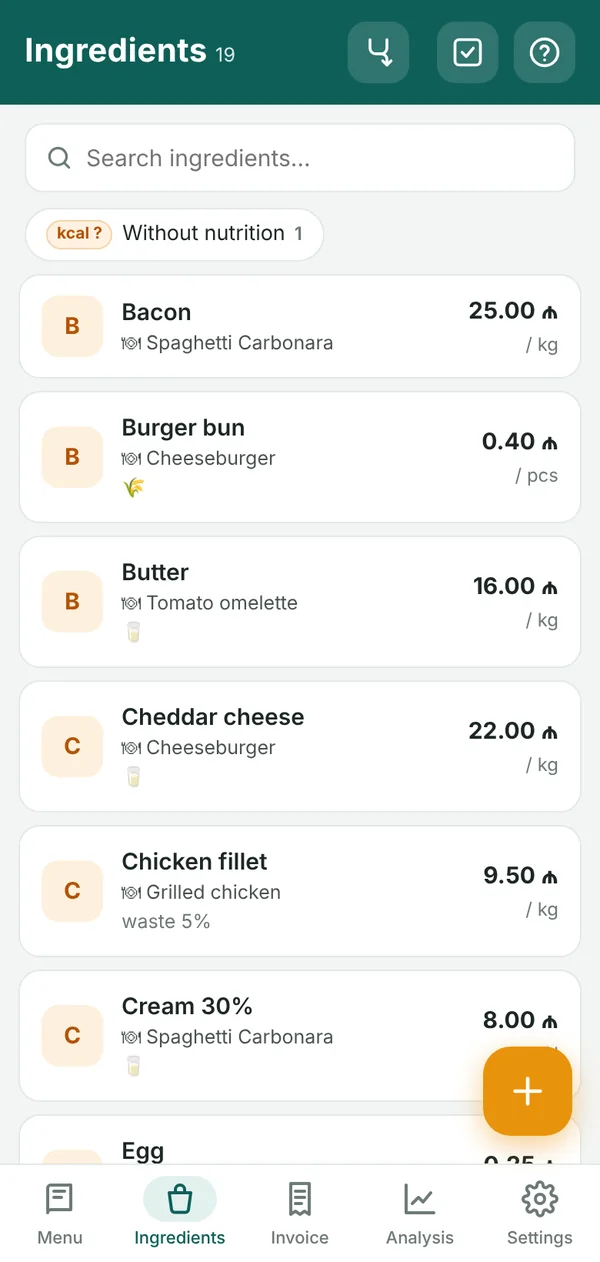
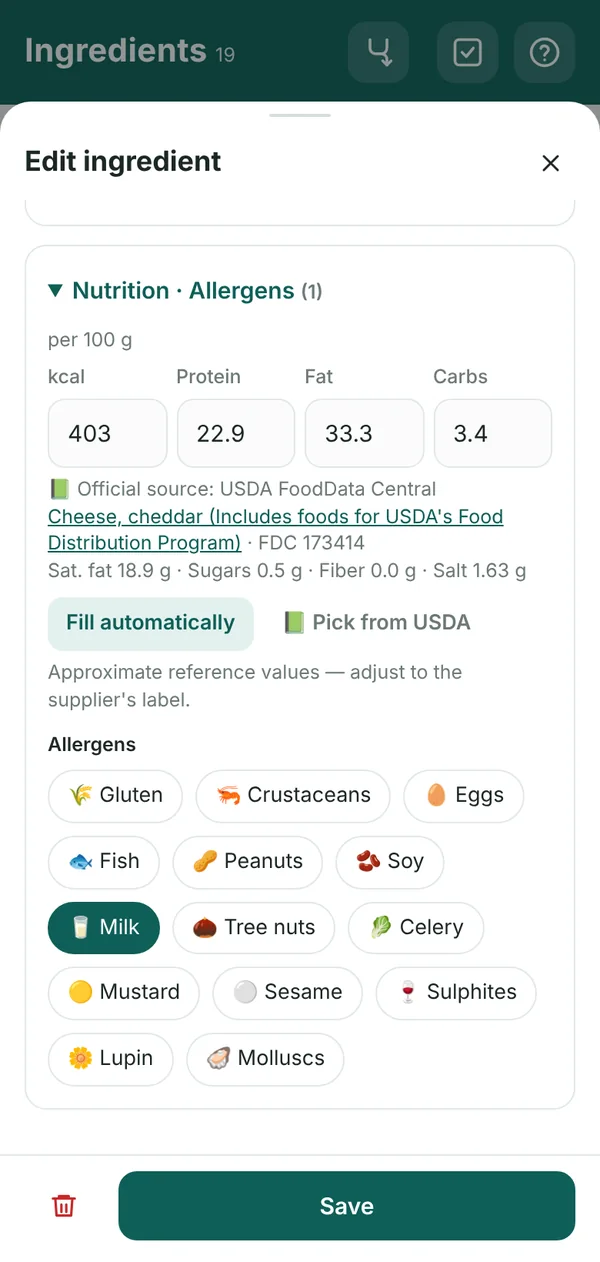
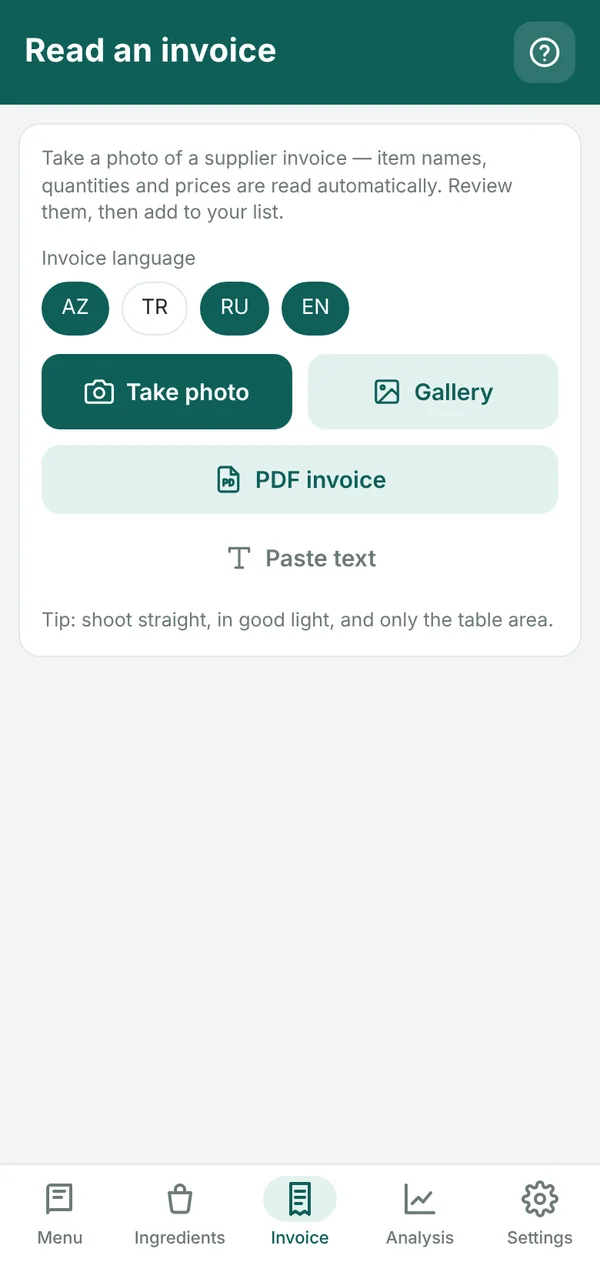
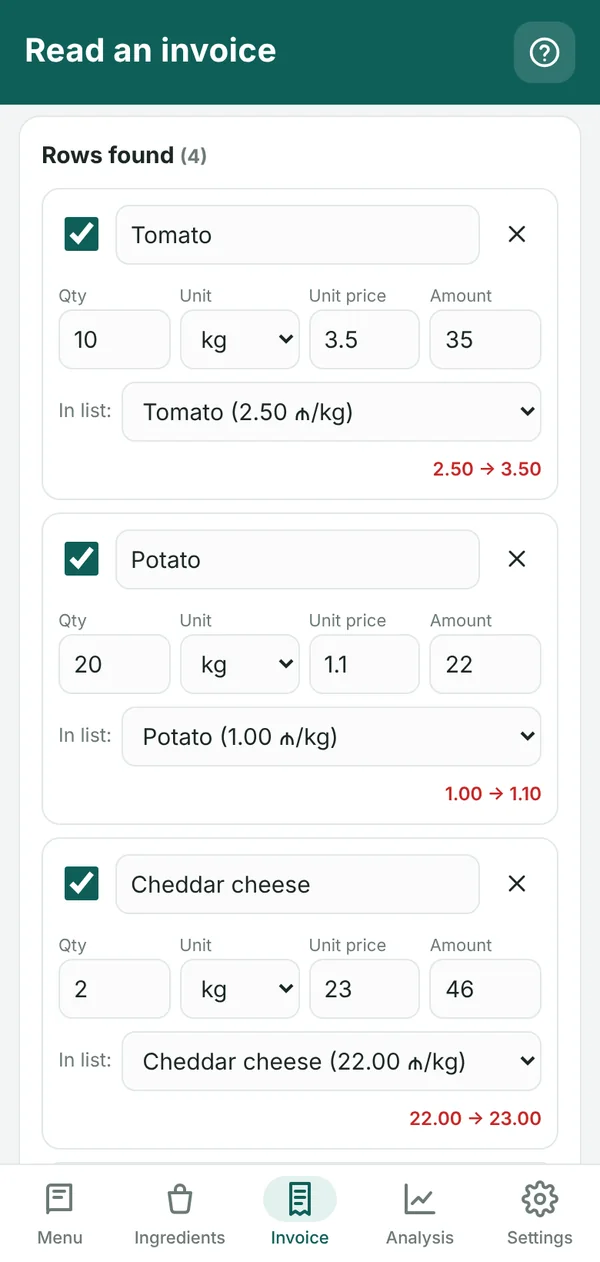
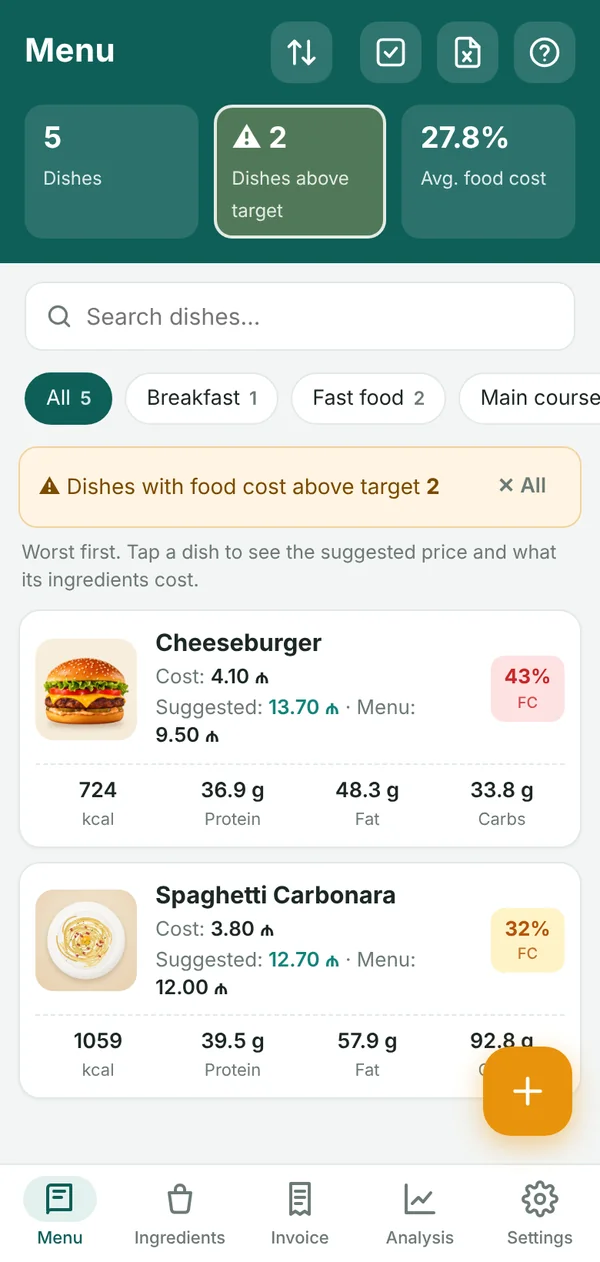
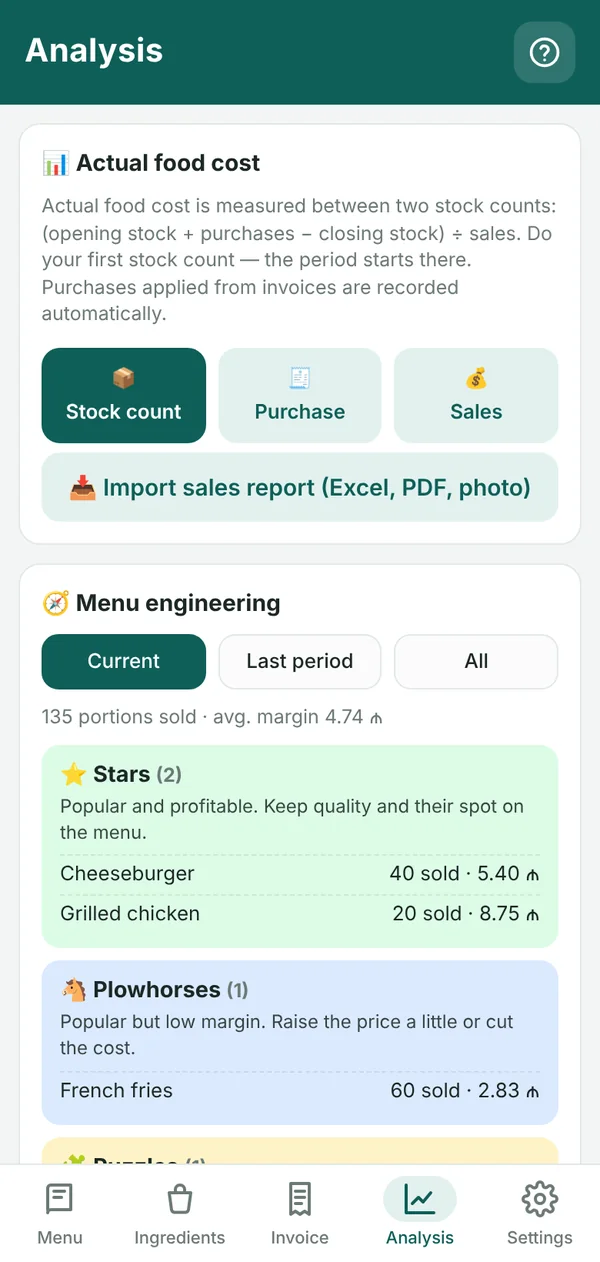
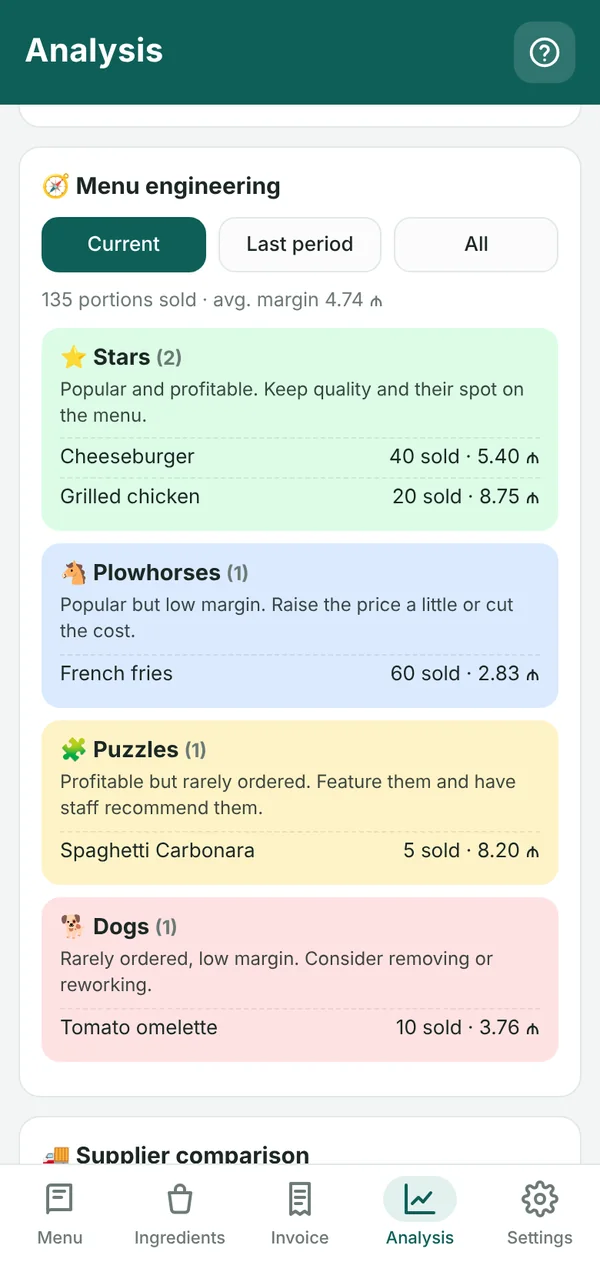
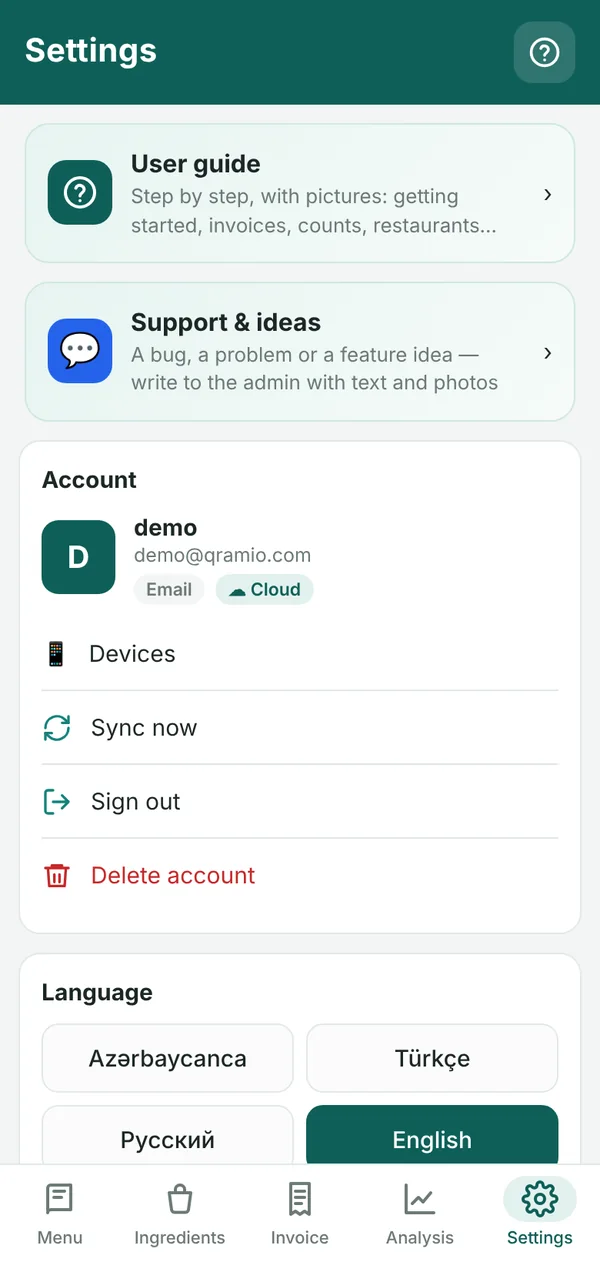
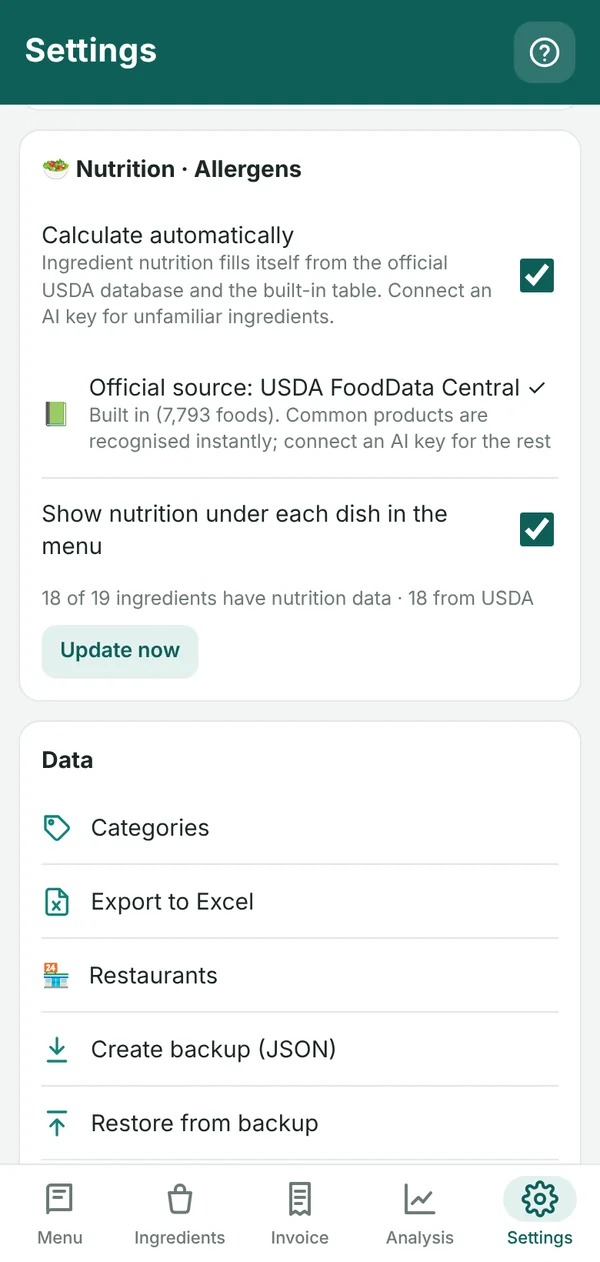
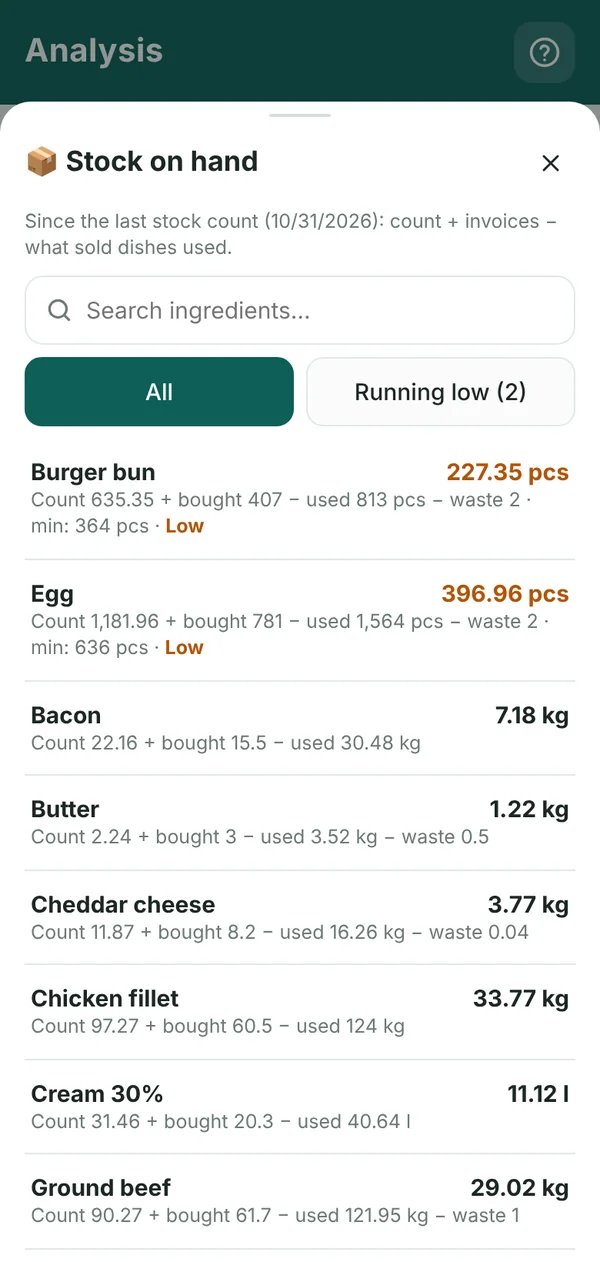
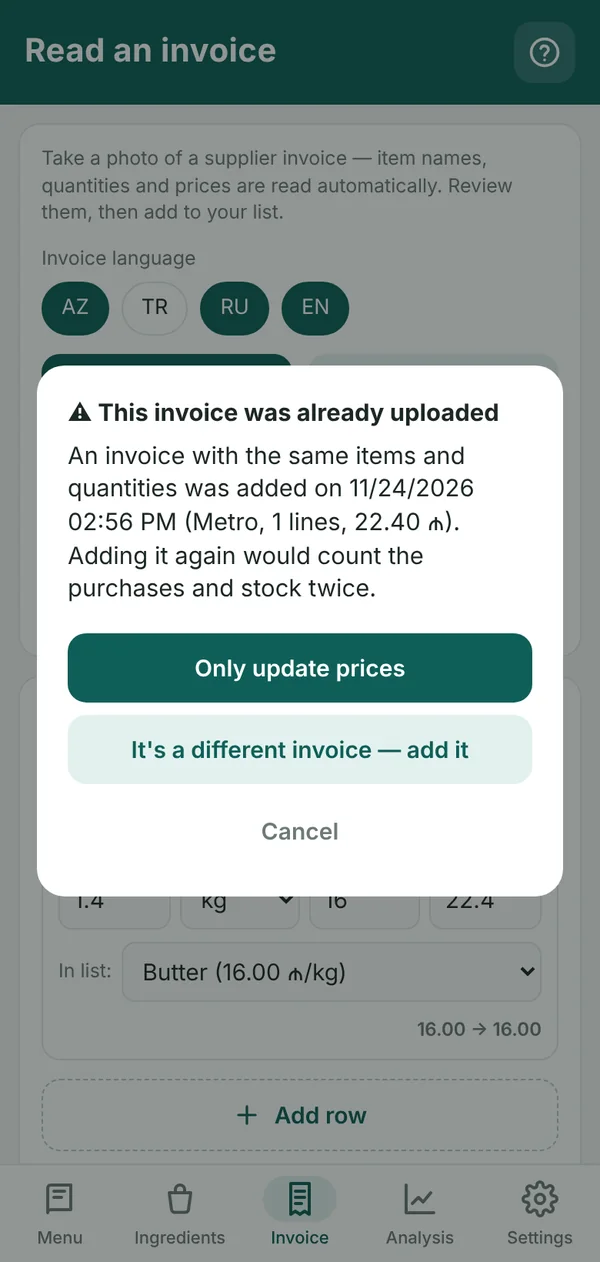
Every invoice adds stock; the recipes of dishes sold and the waste take it out. On count day Qramio shows what should be there and puts a price on the difference.
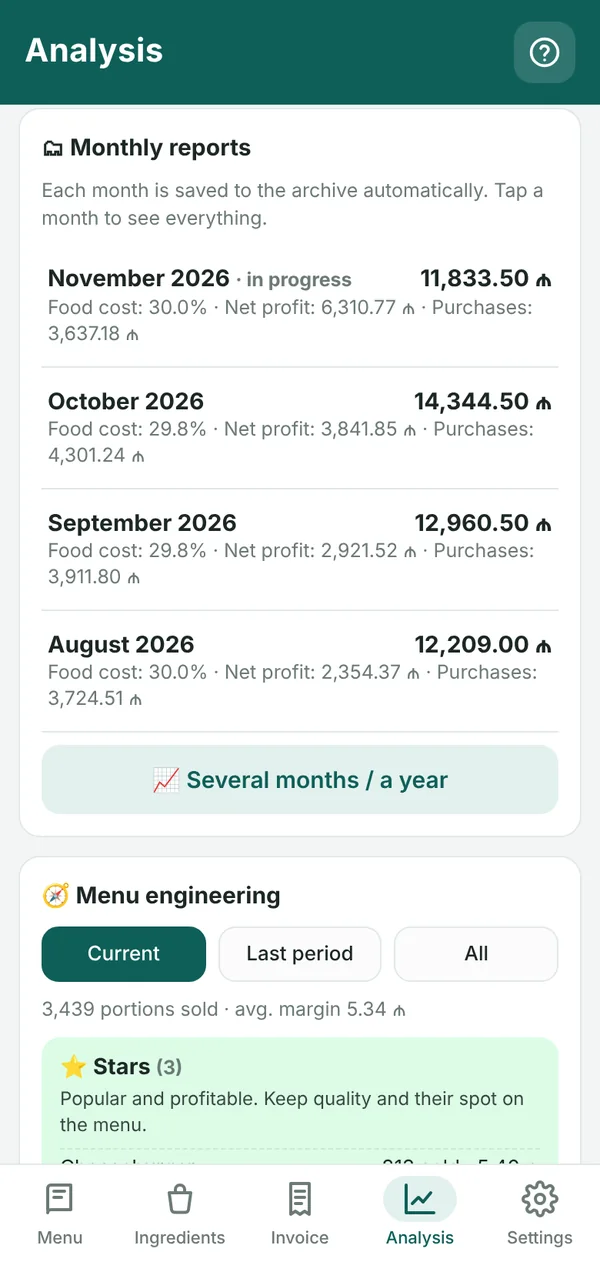
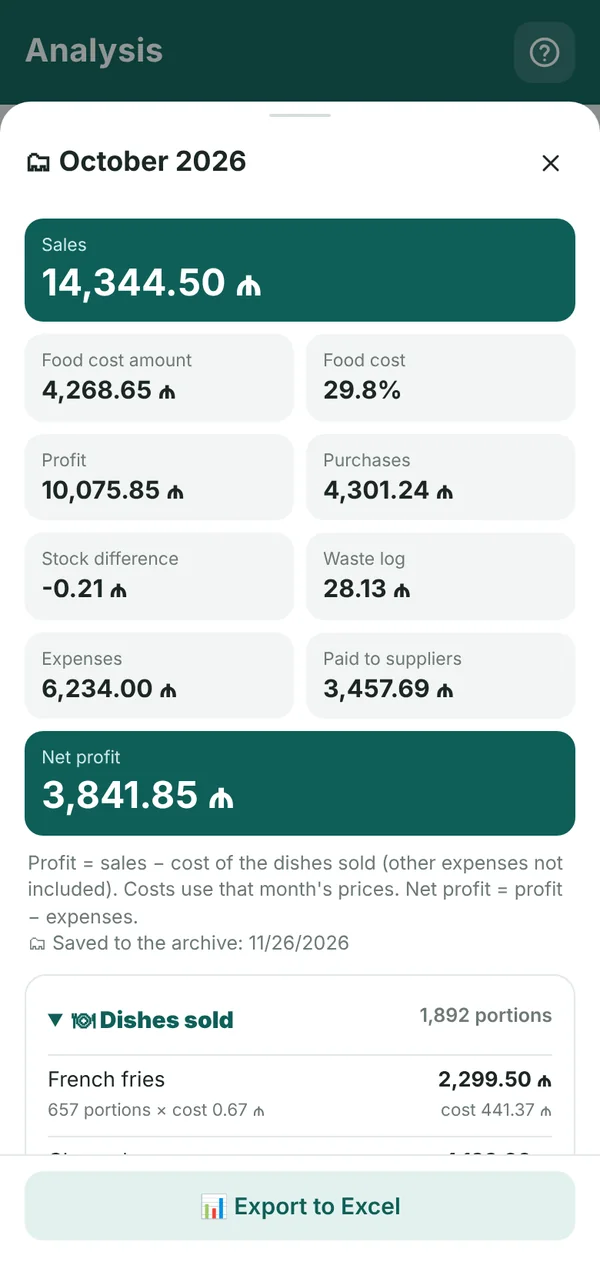
Sales, food cost, goods received, stock differences, waste, expenses and net profit — for each month separately. Add up several months or a whole year in one report.
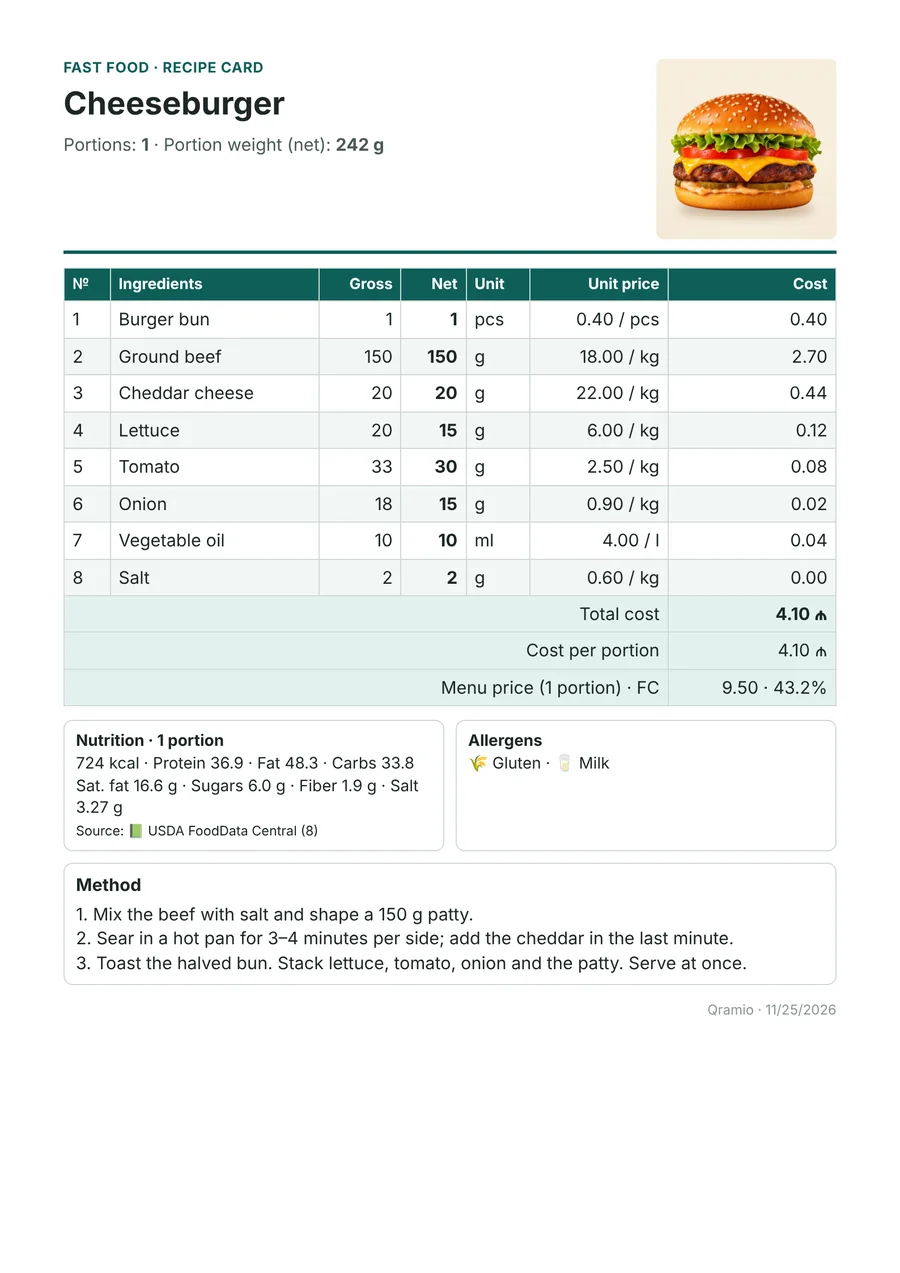
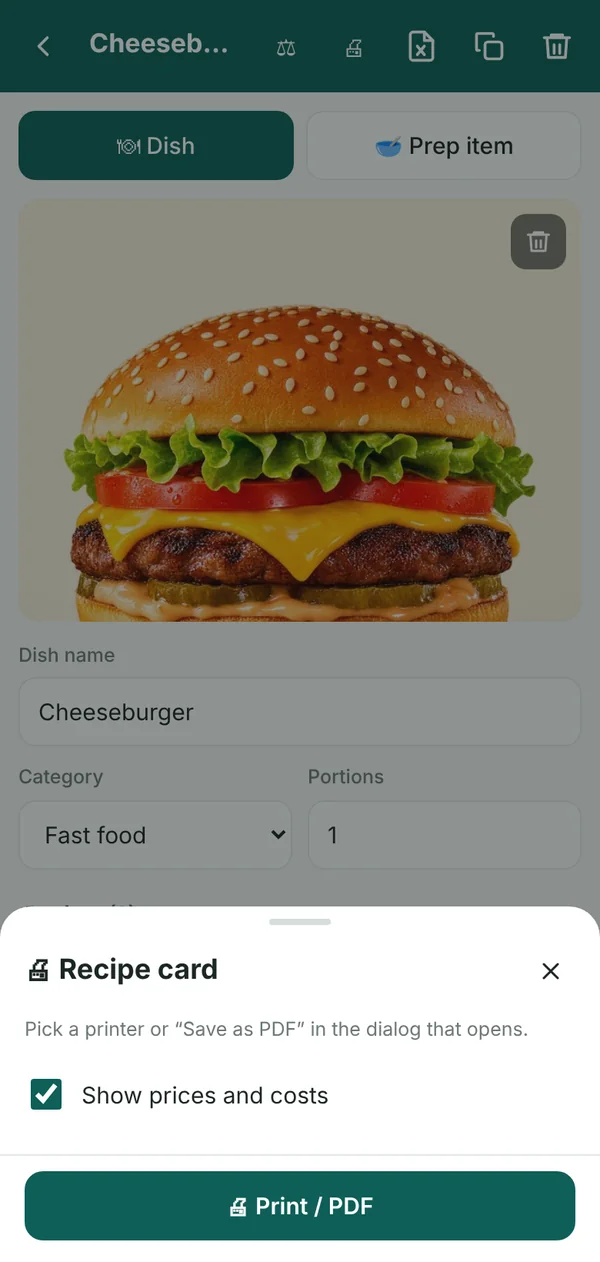
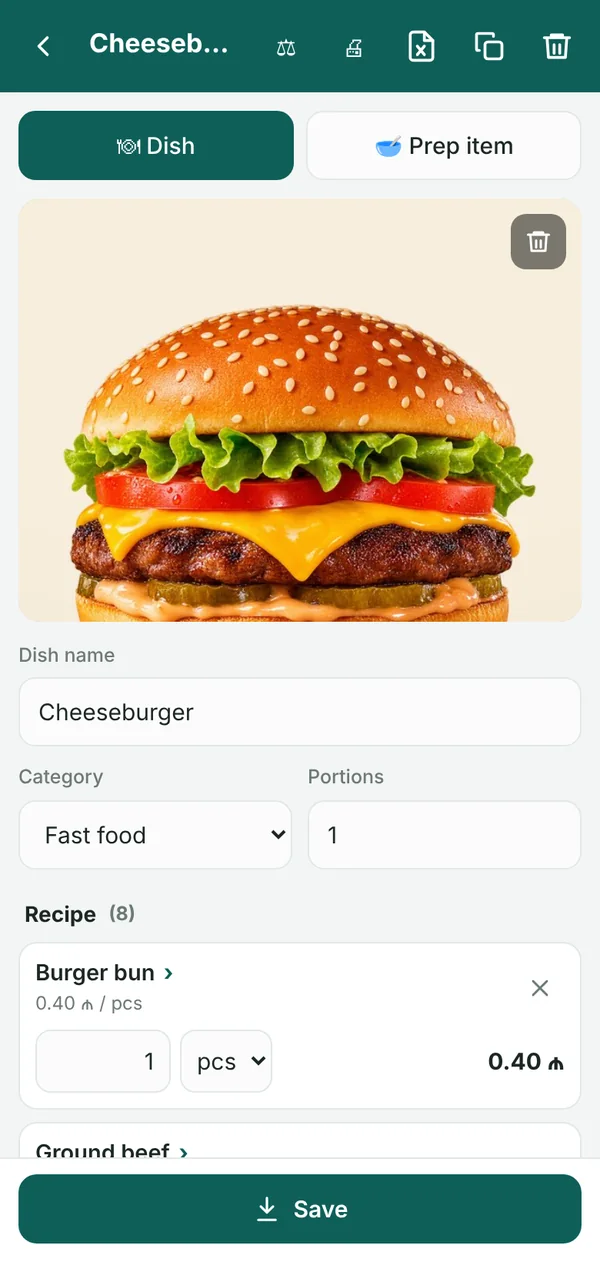
Tap 🖨 on any dish: an A4 card with gross and net weights, cost, nutrition, allergens and method is ready.
Small but essential tools that save everyone time, from the line cook to the accountant.
Spoiled, expired, sent back — with the reason and the cost. Taken out of stock automatically.
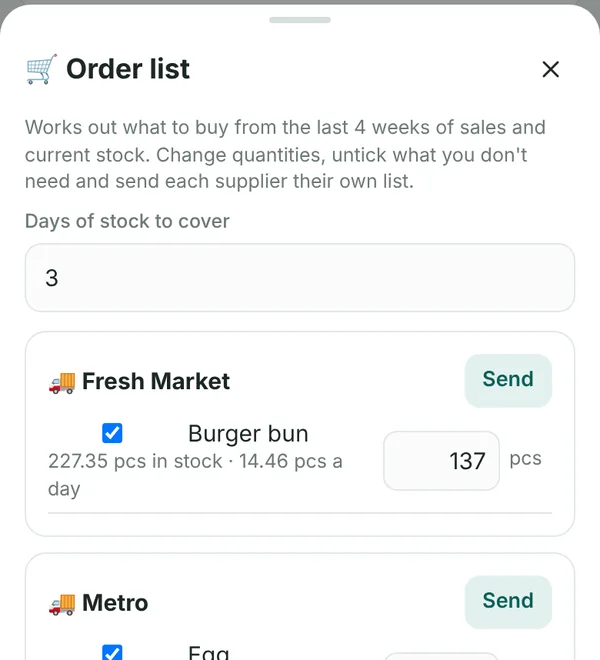
What to buy, based on sales speed and stock. Send each supplier their own list.
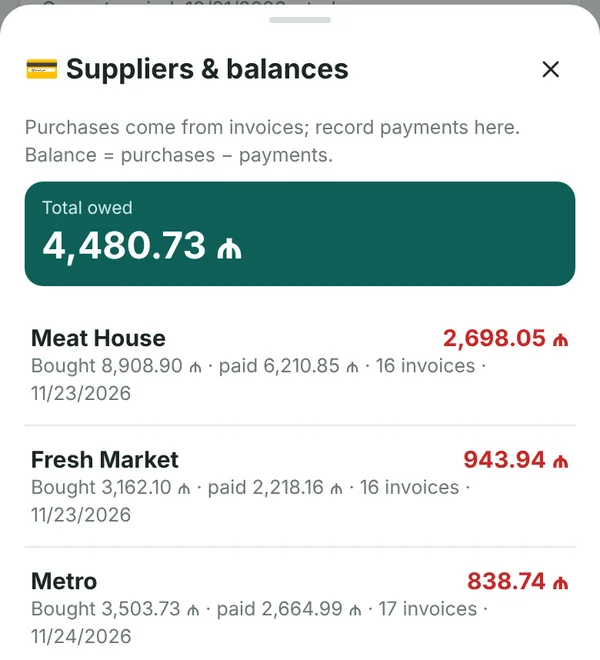
What you owe whom, and when you paid — straight from your invoices.
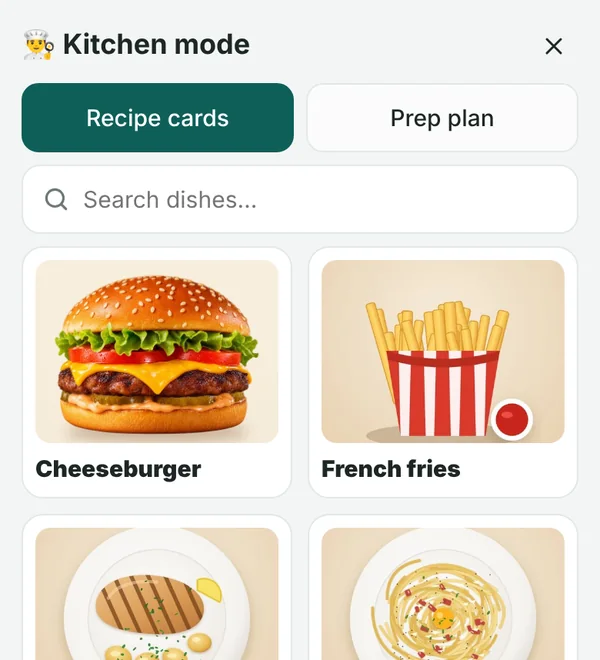
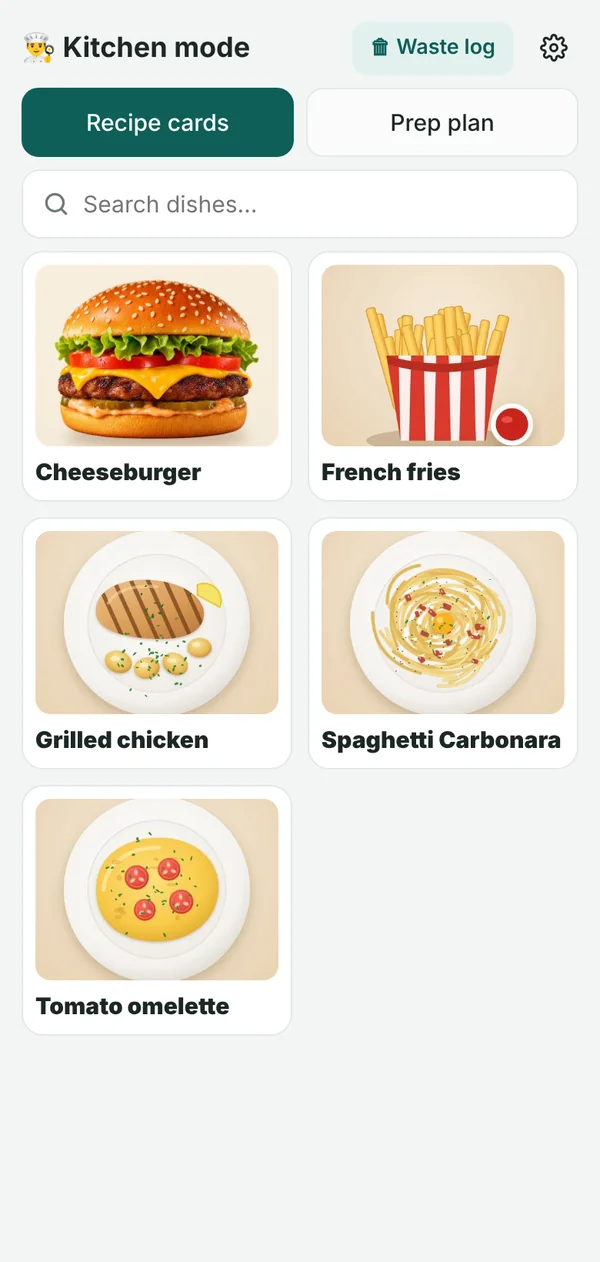
Recipe cards without prices for the cooks, in large print with photos.
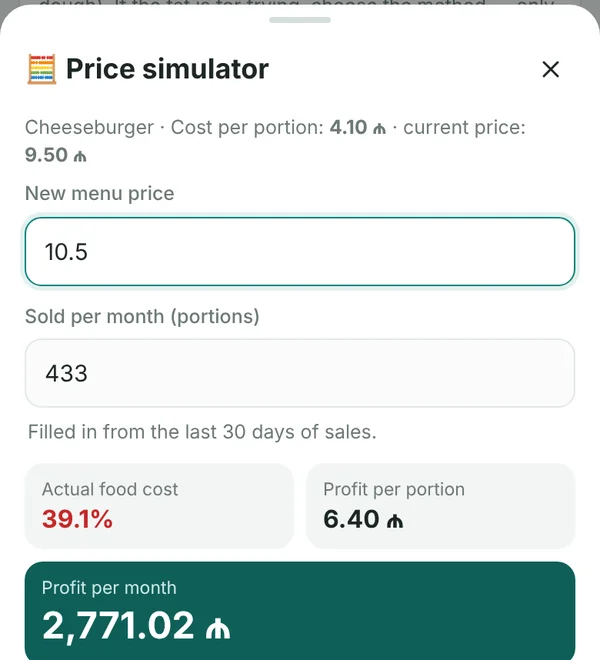
See what a new menu price would earn you per month before you change it.
Rent, salaries, utilities — enter monthly costs and see your true net profit.
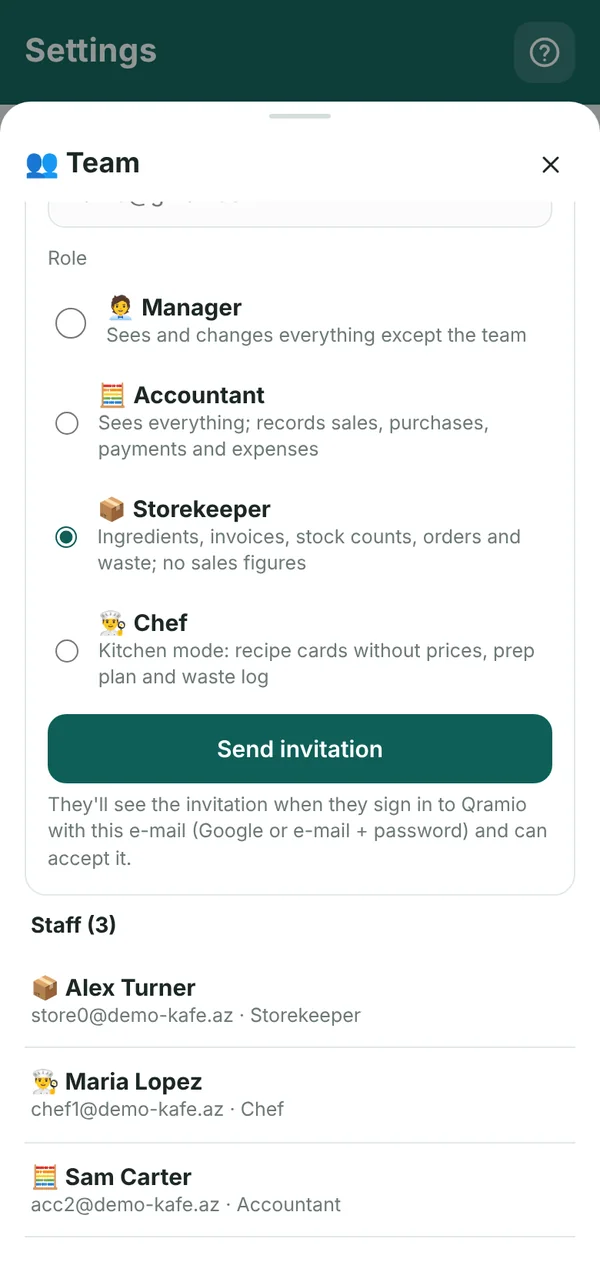
Invite your staff by e-mail and pick one of 9 roles. Each person sees only what their job needs, and every change is kept in the log.
Designed around what restaurants and chefs actually need.
Menu, recipes and ingredients to and from Excel, photos included.
Reads a menu from a photo and helps complete ingredients and nutrition.
Sauces and dough as their own recipes; their cost flows into each dish.
Each branch separate, one shared summary.
Data syncs between your phones by itself.
Prices, photos and nutrition on your guests’ phones.
With the built-in demo menu you’ll see how it works in a minute.
By hand, from Excel or from an invoice photo. Price and unit are entered once.
Enter ingredients in grams or import your menu from Excel. Cost appears instantly.
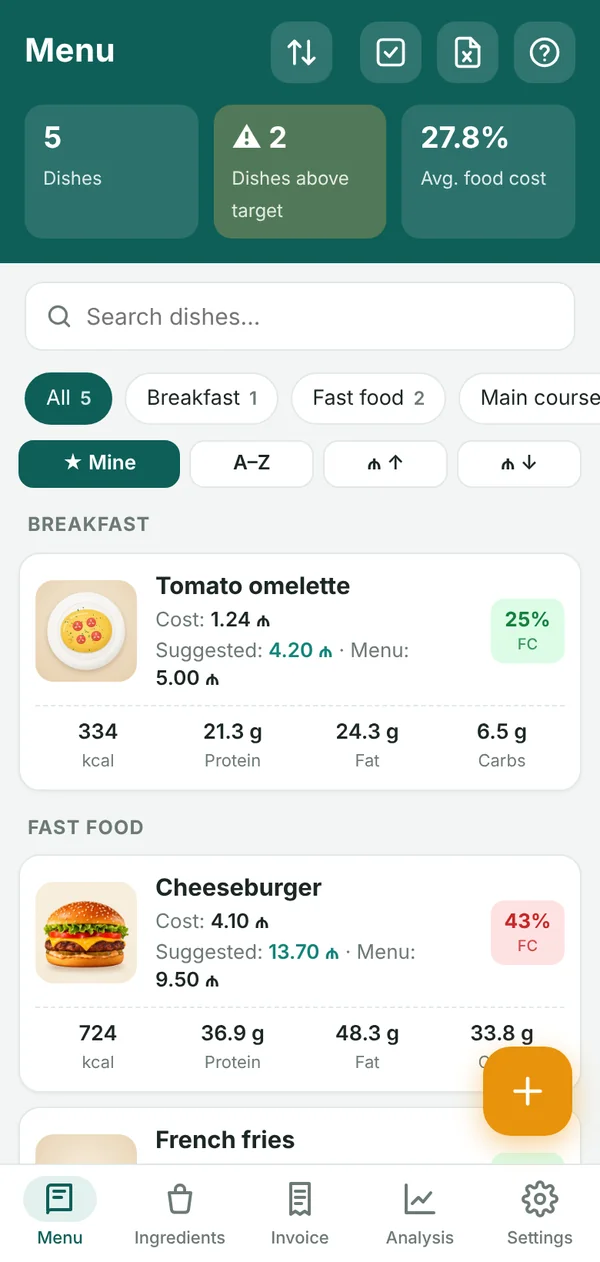
Every new invoice updates everything. Dishes over target alert you right away.
Qramio is coming to Google Play very soon. Meanwhile, you can download it right here.

Once Qramio is on Google Play, it will update from there. Your data stays in the cloud.
5376d59b3c4c78c96bbccab0a6ab2021c656431d014f78c4999ec81cad9e027fOn a computer? Scan with your phone’s camera.
Restaurants, cafés and chains, as well as chefs and kitchen managers: anyone who wants recipe costs, prices, stock and monthly results in one place.
Yes, with any POS. You upload the monthly sales report from your POS program (Excel, PDF or photo) and Qramio recognises the dishes and quantities itself. No POS connection is needed.
Starting from the last count, invoices add stock, while the recipes of dishes sold and logged waste take it out. At the next count the difference is shown in quantity and in money.
Yes. The owner invites staff by e-mail and picks a role: manager, head chef, head bartender, supervisor, accountant, storekeeper, cook, bartender or waiter. Everyone works on their own phone and changes show up for all at once.
Open the “QR menu” tab in the app: within a minute your menu is live at your-restaurant.qramio.menu. Pick one of 9 designs, a colour, a background pattern, sections and languages, and print the table cards. Edit the menu on your phone or on a computer at qramio.menu — guests see the changes at once.
From the ingredients, using the official USDA database. The cooking method (pan, oven, deep-fryer) is taken into account, and the 14 major allergens are flagged automatically.
Download the file to your phone and open it. Android will ask to allow installs from an unknown source — allow your browser once. When Qramio reaches Google Play, it will update from there.
Android 7.0 or newer, phones and tablets. One account can be open on several devices; data syncs automatically.
Write to us — we’ll help you set up and bring your menu over.